📱 MEPCO Bill App – Check Your Electricity Bill, File Complaint & More
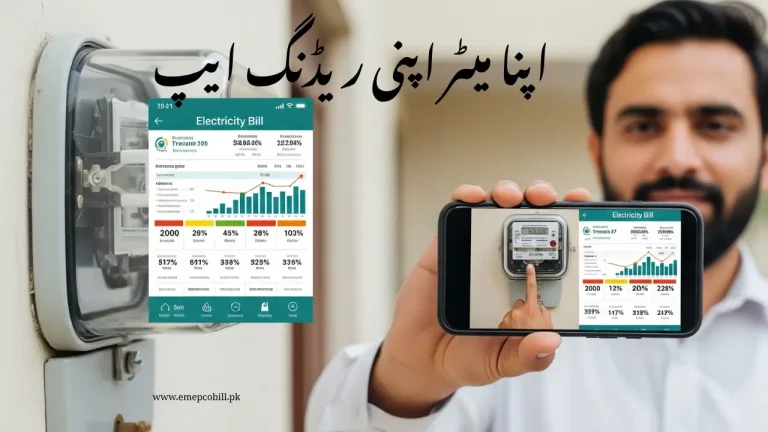
If you’re a MEPCO customer and want a quick and easy way to manage your electricity connection, the MEPCO Bill App is the solution. With this app, you can check your bill, register complaints, update your personal information, and much more — all from your mobile phone.
In this article, you’ll get:
- The official download link of the MEPCO App
- Step-by-step guide on how to use it
- Features you can use in the app
- FAQs and helpful tips
🔗 MEPCO Bill App Download – Official Link
You can download the MEPCO App directly from the Google Play Store. It’s free, safe, and officially launched by MEPCO (Multan Electric Power Company).
👉 Download MEPCO Bill App from Play Store https://play.google.com/store/apps/details?id=com.mepco.smart&pcampaignid=web_share
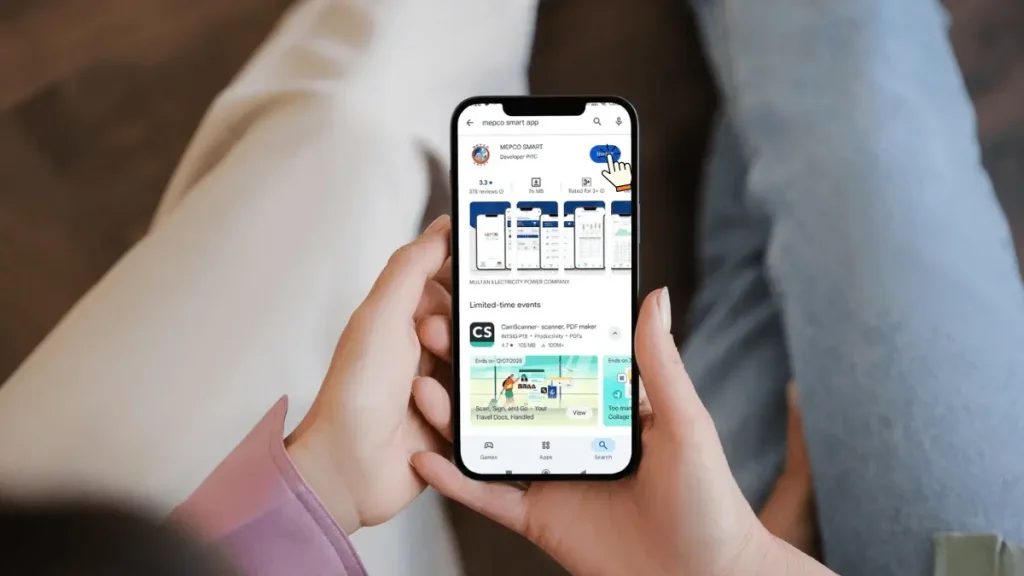
📌 App Details:
- Developer: MEPCO Official
- Size: Small (below 20 MB)
- Android supported: Yes
- iPhone supported: Yes available on App Store
⚠️ Be careful: Many fake apps are available online. Only download the official one from the Play Store link above.
📲 What You Can Do With MEPCO App
This app helps you manage your electricity connection without going to any office. Here are the key features:
✅ Check Your Electricity Bill
Just enter your 14-digit reference number and see the latest bill, past bills, due date, and amount.
✅ Get a Duplicate Bill
Download or print your duplicate bill anytime if the original is lost or not received.
✅ File Complaints
You can report:
- No electricity
- Faulty meter
- Wrong bill
- Overbilling
- Low or high voltage issues
✅ Track Complaint Status
You can also check what’s happening with your complaint. See updates, engineer response, and closure time.
✅ Update Name or Address
If your bill has an old or incorrect name/address, apply for an update directly from the app.
✅ Request Load Change
Apply to increase or decrease your sanctioned load without visiting the MEPCO office.
🧾 How to Use the MEPCO App (Step-by-Step)
Using the app is very simple, even if you’re not tech-savvy.
- Go to Play Store and download the MEPCO Bill App
- Open the app and allow required permissions
- Enter your Reference Number from your electricity bill
- Tap on “View Bill” or any other option you want
- Download the bill or file a complaint easily
No login or registration is required — just your reference number is enough.
💡 Useful Tips for Better Use
- Save your reference number in the app for faster access next time
- Take screenshots of submitted complaints for record
- Keep the app updated for new features
- Always double-check the app’s logo and developer name before downloading
❓ Frequently Asked Questions (FAQs)
📌 Final Words
The MEPCO App is a very helpful tool for every MEPCO consumer. Whether you live in Multan, Bahawalpur, Rahim Yar Khan, or any other MEPCO-covered area, this app saves your time, effort, and money.
You don’t need to stand in lines or call helplines anymore — everything is now available in your mobile.
✅ Download the official MEPCO App today and manage your electricity needs from your pocket.
👉 Click Here to Download the App
If you need help with your bill, complaint, or reference number — feel free to drop your question in the comments below. We’re here to guide you.